
December 2025 Releases
Content Library Revamp
The content library for emails, social media, blogs, and more has been updated with new folder management, a fresh design, and improved organization capabilities.
Creating Folders for My Templates & HTML Newsletters
Now, when accessing the Content Library, users can create folders to organize content. To create a folder, you first must access a piece of content that you'd like to organize and choose +Add Keyword. From there, a folder can be created by typing Folder: [Insert Folder Name]– that selected piece of content will then be filed into that folder, and more pieces of content will be able to be filed into that folder by searching the folder's name through Keywords.
Finding the + Add Keyword function:

Adding the new folder:

Accessing a created folder for filing:

AI Assistant Feedback
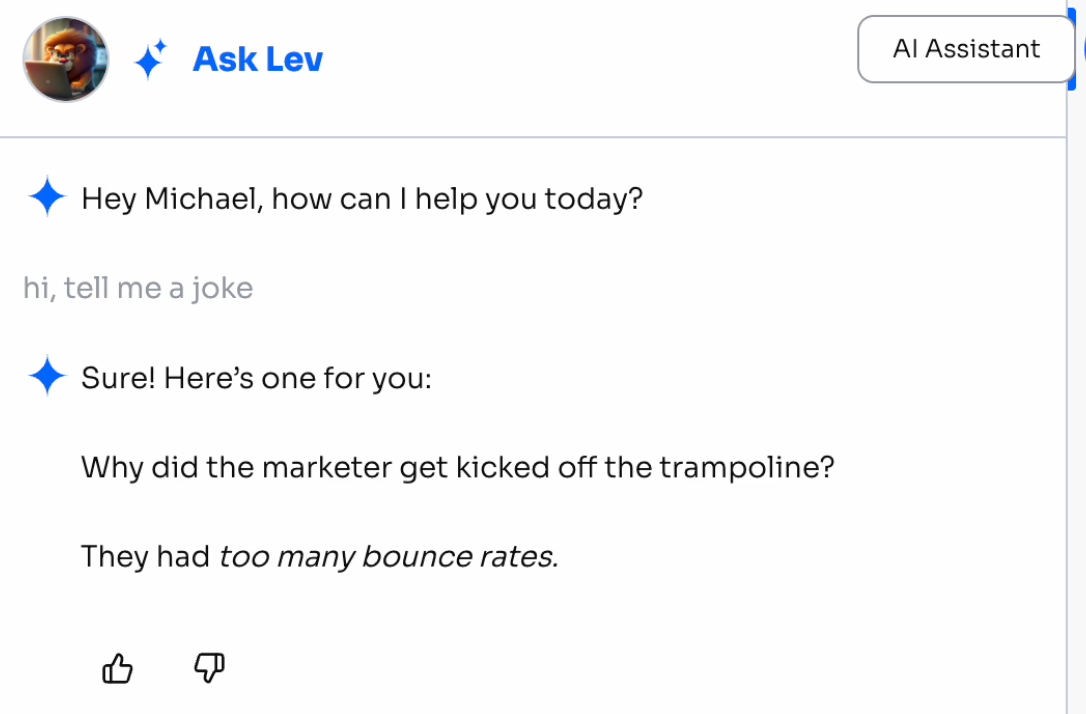
When interacting with Levitate's AI Chat Assistant, users can now give a thumbs-up or thumbs-down to provide feedback on the answers they receive. This feedback will be used internally to improve and build upon the documentation, in order to provide better, more helpful answers.
Team Meeting Links
Want your contacts to be able to book a meeting with the first person available? Instead of going through every personal meeting link and page to find the first available time, Levitate has added the ability for Admins and Super Admins to create and manage Team Meeting Links. Multiple Levitate users and their meeting links can be added, so it will reference all availabilities for those users and show the booker (your contact or client) a single page where they can choose a time that works for them.
Meeting Cancellation Support
Similar to the Meeting Reschedule Link, there is a new Meeting Cancel Link. It can be added to the meeting note as a merge field, {{meeting cancel link}}.
Clicking the Meeting Cancel Link will cancel the meeting and stop any associated meeting reminder automations.
Bulk Removing Tags from Contacts
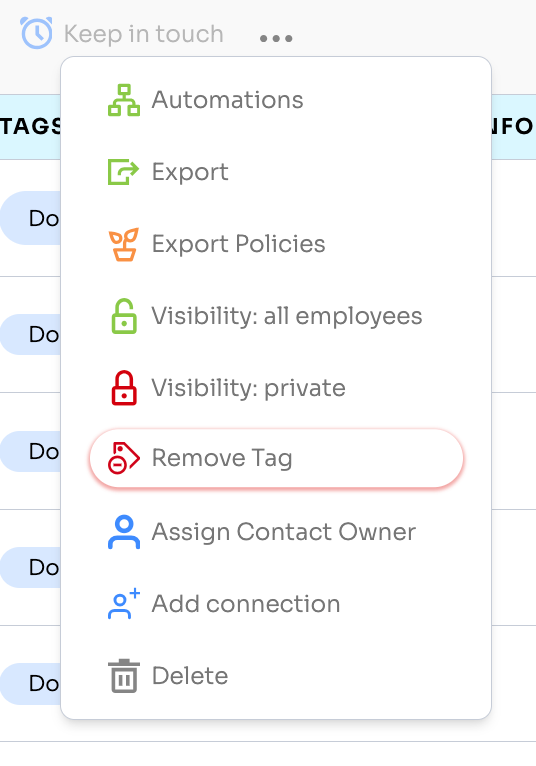
Now users can search by a single tag, select some or all contacts, and choose the new Remove Tag function.
Tag Creation Functionality Improvements
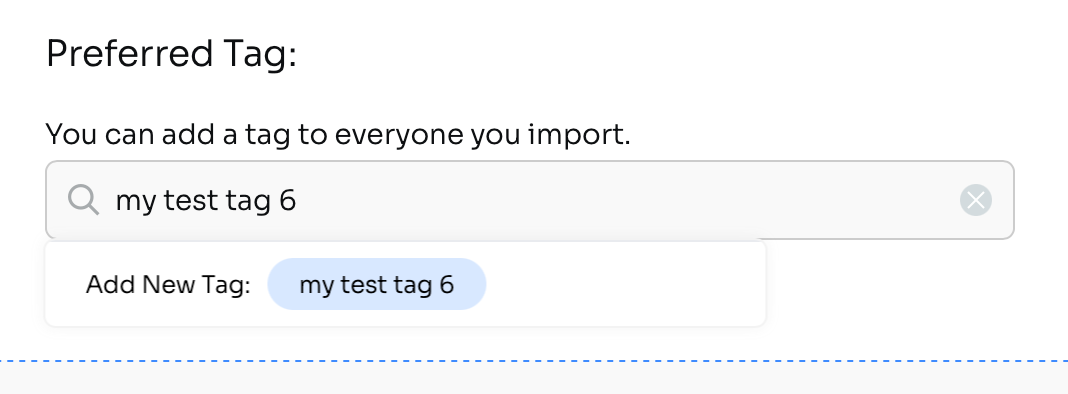
The tag addition or creation interface has been updated in a few places– through the CSV Contact Import, when selecting multiple contacts and adding a tag, when adding tags through a Lead Parser, and when creating a new Tag Triggered Automation.
The change will show the newly created tag with "Add New Tag" to better confirm that the tag was created.
Meeting Location Merge Field
New {{meeting location}} Merge Field for Meetings
A new Merge Field has been created to display the meeting location for the referenced meeting. This Merge Field can be used on the meeting page itself for the calendar invitation or in the Meeting Reminder Automation.
Type {{meeting location}} or find it in the Merge Field dropdown menu.
User Groups
This new feature will allow for groups to be created within an account to better limit how users can access and use certain features.
The first feature that can be limited by User Groups is automations. Account Admins can create User Groups, add users to those groups, and choose whether those users can Read (view), Write (create, edit), and View Reporting for Automations.
Next up: features like Surveys!